· Updated
PNG vs SVG: Which QR Code Format Should You Download?
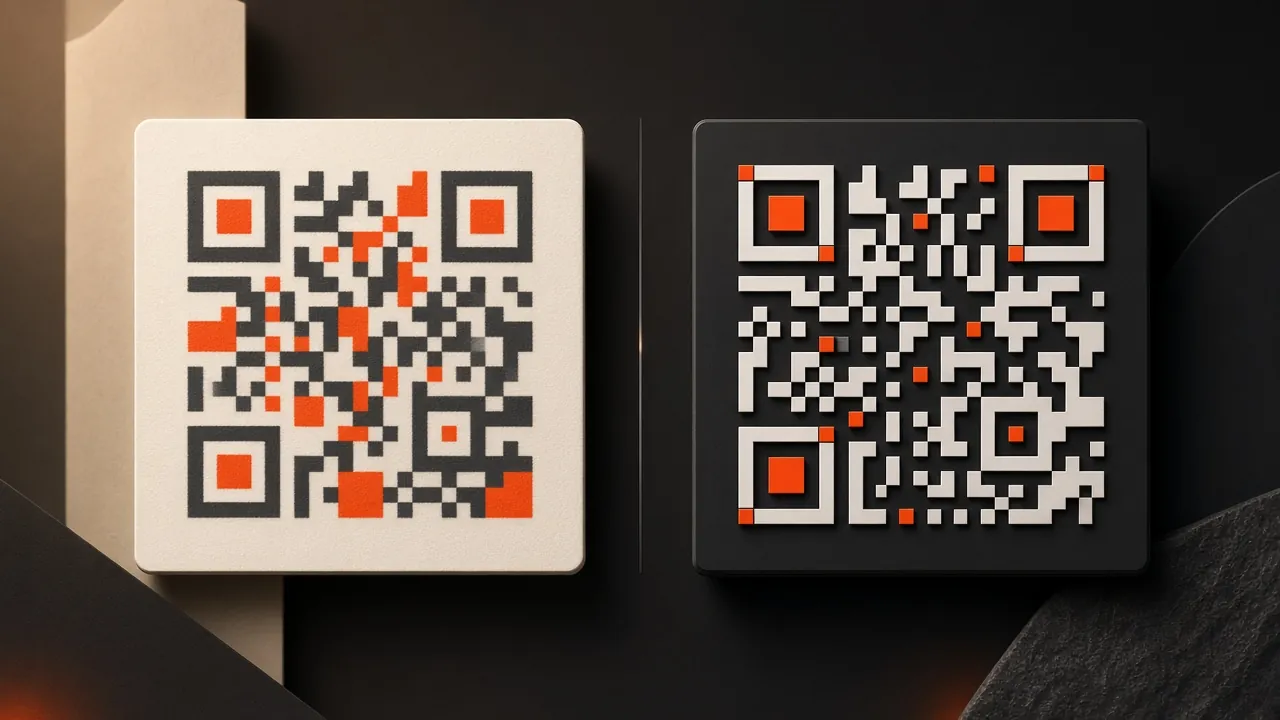
PNG and SVG can encode the same QR content. The difference is how the artwork is stored and how well it fits the next step in your workflow.
Choose PNG for convenience
PNG is a raster image made from pixels. It is widely supported in documents, slides, social posts and simple print tools. Download it at a size close to or larger than the final use, and avoid repeatedly resizing or compressing it.
Choose SVG for flexible print
SVG stores the QR shapes as vectors, so they remain sharp at different sizes. It is usually the better handoff for signs, packaging, menus and layouts assembled in professional design software.
Compatibility matters
Some upload fields do not accept SVG, and some document tools rasterise it poorly. In that case export a high-resolution PNG from a trusted design tool after setting the final dimensions.
Format cannot repair poor design
Both formats can fail if the code has weak contrast, insufficient clear space, a busy background or damage. Test the final composed artwork—not only the downloaded source—with multiple cameras and realistic lighting.
The QR generator offers both formats. Continue with the QR printing size and contrast guide.